
How to Install Zen IPTV Player on Android Phone
Carry your favorite 4K channels everywhere with the official Zen IPTV mobile guide.
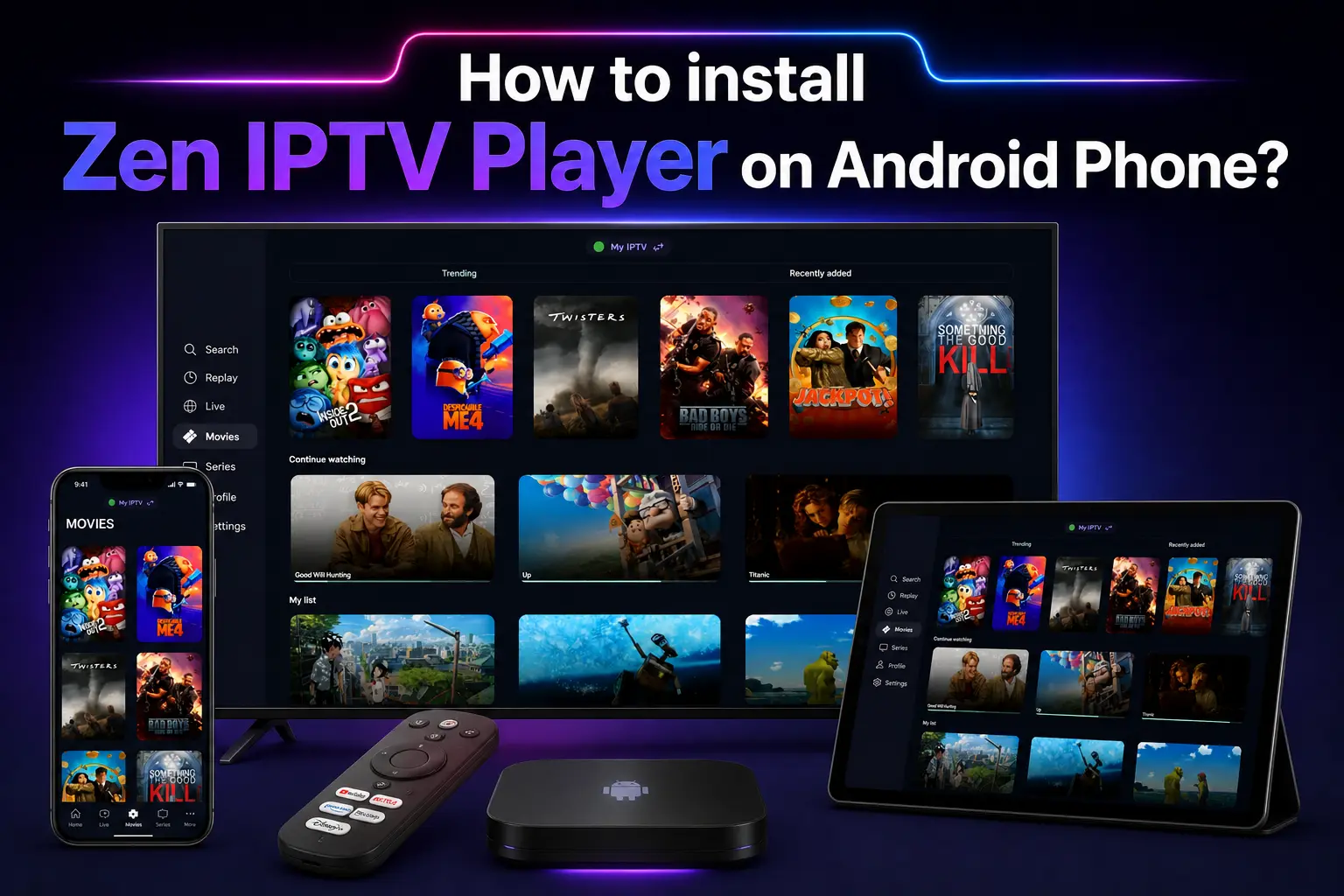
Watching IPTV on your smartphone is the ultimate convenience. Whether you are commuting, traveling, or just relaxing, Zen IPTV Player brings your full subscription to your pocket. Our Android app is lightweight, battery-efficient, and optimized for touch controls.
In this guide, we will show you how to install the Zen IPTV APK on any Android phone or tablet (Samsung, Google Pixel, Huawei, etc.) in just a few clicks.
Instant Access
Don't have a playlist yet? View our premium packages and get your login details delivered to your email instantly.
Why Stream IPTV on Mobile?
Streaming on a phone offers unique features that TV boxes don't:
- Portability: Watch live sports and news anywhere with 5G or Wi-Fi.
- Casting: Easily cast your stream to any nearby Smart TV.
- Picture-in-Picture: Keep watching while you browse other apps.
Step 1: Enabling APK Permissions
Android requires you to grant permission to your browser (like Chrome) to install files from outside the Play Store.
- Open your phone's Settings.
- Go to Apps or Applications.
- Tap on Special app access (usually under advanced settings or the three-dot menu).
- Select Install unknown apps.
- Find your browser (e.g., Chrome) and toggle Allow from this source to ON.
Step 2: Downloading the Official APK
Always ensure you are downloading the app from the official source to protect your device's security.
- Open Chrome (or your preferred browser) on your phone.
- Enter the following official direct link:
- A warning might appear saying "File might be harmful." Click Download anyway.
- Wait for the download to complete.
https://zeniptv.app/releases/zenplayer.apkStep 3: Installation & First Launch
- Once the download is finished, tap Open from the notification bar.
- Tap Install when the system prompt appears.
- After installation is complete, tap Open to launch Zen IPTV Player.
Step 4: Activation & Playlist Management
When you open the app, you will see your Device ID and MAC Address.
Enter your M3U playlist link or Xtream Codes (Username, Password, URL).
Your categories (Live, Movies, Series) will load instantly. Start streaming!
FAQ: Zen IPTV on Mobile
Does this work on Samsung or Pixel?
Yes, Zen IPTV Player is compatible with all Android devices running version 5.0 and above, including Samsung Galaxy, Google Pixel, and OnePlus.
Is there a cost for the app?
The app is free to download and try. Some features may require a one-time activation license for permanent use.
Why can't I see any channels?
Zen IPTV is a media player only. You must have an active IPTV subscription to load channels into the app.
Take Your TV Anywhere
Don't miss a single game or episode. Install Zen IPTV Player on your phone today and experience the future of mobile entertainment.