
How to Install Zen IPTV Player on Google TV
Step-by-step setup for Chromecast with Google TV and Sony Google TV models.
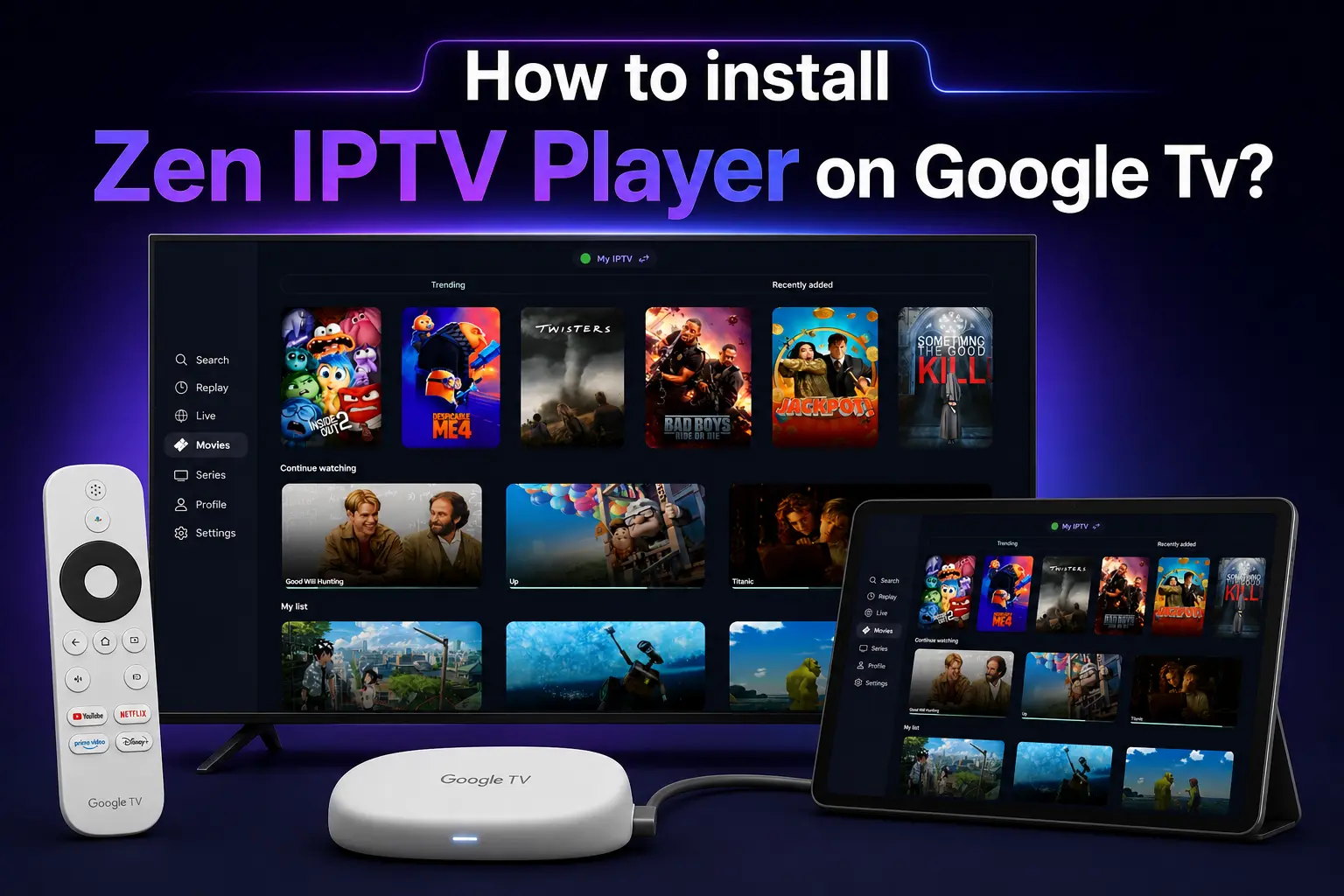
Google TV is the modern evolution of the Android TV experience, found on the latest Chromecast models and newer Sony, TCL, and Hisense televisions. Its sleek interface is perfect for Zen IPTV Player, but the installation process has a few unique steps compared to older devices.
In this guide, we will show you exactly how to unlock your Google TV's potential and install the Zen IPTV APK for the best streaming experience.
Ready to stream?
Zen IPTV Player works best with our premium 4K playlist. Get a 24h Free Trial and test our server stability yourself.
Google TV vs Android TV
While they share the same foundation, Google TV hides "Developer Options" more deeply than standard Android TV. To sideload apps like Zen IPTV, you must first become a "Developer" on your device.
Step 1: Enable Developer Mode
This is the secret step required for all Google TV devices:
- From the Google TV Home screen, go to Settings (Gear icon in the top right).
- Select System.
- Go to About.
- Scroll down to Android TV OS Build.
- Click on the Build number 7 times until a message appears saying "You are now a developer."
Step 2: Setup Downloader App
Now that you are a developer, we can install the installation tool:
- Go to the Apps tab on your Home screen.
- Search for "Downloader" and install it.
- Go back to Settings > Privacy > Security & Restrictions > Unknown Sources.
- Find Downloader in the list and toggle the switch to ON.
Step 3: Download & Install Zen IPTV
With permissions granted, we can now fetch the app:
- Open the Downloader app.
- In the URL field, enter our official direct link:
- The APK will download. When finished, select Install.
- Once installed, you can open Zen IPTV Player from your apps list.
https://zeniptv.app/releases/zenplayer.apkStep 4: Activation & Playlist Setup
Setting up your playlist on Google TV is simple:
Note the Device ID and Key shown on the app's home screen.
Visit our subscription page to get your Xtream Codes or M3U link.
Enter your credentials into the app and enjoy instant 4K streaming.
Frequently Asked Questions
Does this work on Chromecast 4K?
Yes, Zen IPTV is fully optimized for Chromecast with Google TV (4K and HD models).
Can I use the app for free?
Zen IPTV Player offers a free trial of the interface. For the best experience, we recommend activating the lifetime license.
Is sideloading safe?
Yes, as long as you use our official APK link provided in this guide, sideloading is a standard way to install high-performance media players.
The Future of TV is Here
Don't settle for standard TV. Upgrade your Google TV experience with Zen IPTV and gain access to thousands of channels in stunning 4K quality.