
How to Install Zen IPTV Player on iOS Devices
The complete App Store installation guide for iPhone, iPad, Mac, and Apple TV.
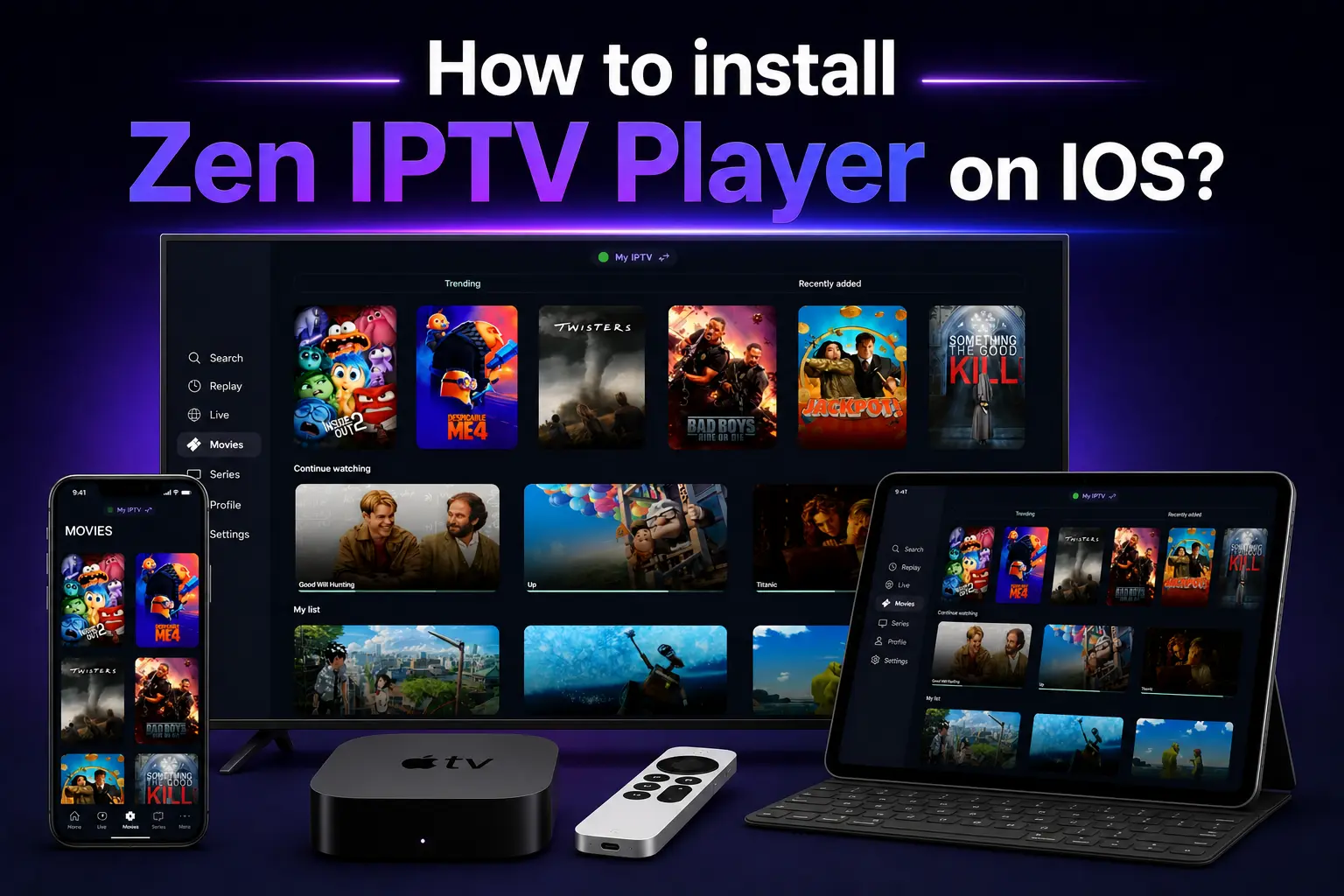
Apple users demand the best in design and performance. Zen IPTV Player delivers exactly that—a premium, fluid interface optimized for the entire Apple ecosystem. Unlike other platforms, Zen IPTV is available directly on the Official App Store, ensuring a secure and easy installation.
Whether you're looking to watch 4K sports on your Apple TV or catch up on news on your iPhone, this guide covers the installation process for every Apple device.
Streaming Tip
To unlock the thousands of channels Zen IPTV can play, you need a high-quality playlist. Explore our IPTV packages for the most stable 4K servers.
📱 iPhone & iPad
Installing Zen IPTV on your mobile Apple devices is straightforward.
- Open the App Store on your iPhone or iPad.
- Tap the Search tab and type "Zen IPTV Player".
- Select the app from the results (look for the official Zen logo).
- Tap Get and authenticate with FaceID, TouchID, or your Apple ID password.
📺 Apple TV (tvOS)
For the ultimate home cinema experience, Apple TV is the best choice.
- Turn on your Apple TV and navigate to the App Store.
- Use the Siri Remote to search for "Zen IPTV Player".
- Click Install.
- Once downloaded, the app will appear on your home screen.
💻 Apple Mac (macOS)
Zen IPTV is also compatible with modern Macs, providing a professional desktop streaming experience.
- Open the Mac App Store.
- Search for "Zen IPTV Player".
- Click Get and then Install App.
- After installation, you can find the app in your Applications folder or via Launchpad.
Setting Up Your IPTV Playlist
After installing the app, follow these 3 steps to start watching:
Open Zen IPTV and note your Device ID and Device Key.
Visit our website and enter your M3U URL or Xtream Codes login details.
Refresh the app on your Apple device, and your channels will appear instantly!
FAQ: Zen IPTV for Apple
Is Zen IPTV free on the App Store?
The app is free to download and explore. To unlock full premium features and lifetime use, a small one-time activation is required.
Does it support 4K streaming?
Yes, Zen IPTV Player is fully optimized for 4K HDR content, especially on the Apple TV 4K model.
Can I use iCloud sync?
Zen IPTV is designed to work seamlessly across all your Apple devices, making it easy to switch from your iPhone to your Apple TV.
Apple Quality Streaming
Why settle for less when you can have the best? Pair the most powerful Apple devices with the world's most stable IPTV service today.