
How to Install Zen IPTV Player on macOS
The professional guide to setting up 4K streaming on your MacBook, iMac, or Mac Mini.
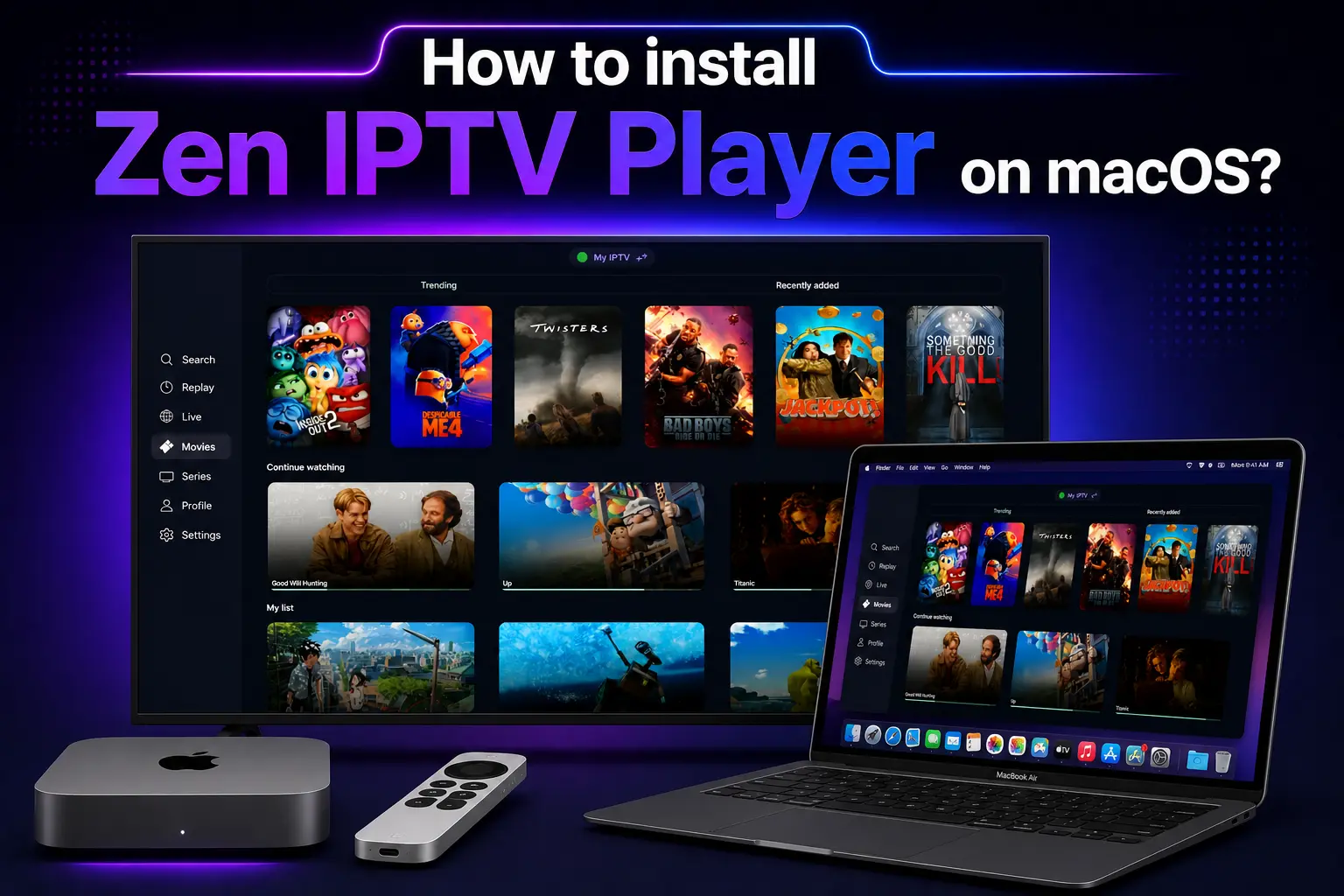
Who says your Mac is only for work? With the Zen IPTV Player, your MacBook or iMac becomes a world-class television. Optimized for both Intel and Apple Silicon (M1, M2, M3) chips, our macOS application provides the most stable and visualy stunning IPTV experience on the desktop.
In this guide, we will walk you through the seamless installation process using the official Mac App Store.
Important Requirement
Zen IPTV is a professional media player and does not include channels. Get a premium 4K subscription from Zen IPTV to unlock 40,000+ live channels.
Why Stream IPTV on your Mac?
Your Mac offers unique advantages for streaming:
- Retina Display: Channels look sharper and more vibrant than on standard TVs.
- Multitasking: Watch the game in a corner window while you work or browse.
- Portability: Take your full TV subscription with you on your MacBook anywhere in the world.
Step 1: Installing from Mac App Store
- Open the App Store from your Mac's Dock or Launchpad.
- In the search bar (top left), type "Zen IPTV Player".
- Click on the app in the results and hit Get or the Cloud icon.
- If prompted, enter your Apple ID password or use Touch ID to authorize.
Step 2: Launching & Granting Access
- Once installed, open the app from your Applications folder.
- Permissions: macOS may ask if the app can access your local network. Click Allow so it can communicate with IPTV servers.
- The app will open to its beautiful dashboard, displaying your unique device credentials.
Step 3: Connecting Your Playlist
Load your channels in seconds using this simple method:
Note your Device ID and Device Key from the Zen IPTV home screen.
Visit our playlist portal and enter your M3U link or Xtream login.
Restart the app on your Mac, and your categories will appear instantly.
Advanced macOS Features
Zen IPTV is built specifically for the Mac experience:
- Resizable Windows: Adjust your stream to any size on your desktop.
- Full Keyboard Support: Navigate channels and menus using your Mac's keyboard shortcuts.
- External Monitor Support: Drag the app to a secondary 4K monitor or projector for a bigger view.
Frequently Asked Questions
Does it work on M1/M2/M3 Macs?
Yes, Zen IPTV is natively optimized for Apple Silicon, ensuring blazing-fast channel switching and low power consumption.
Can I use the app on Intel Macs?
Absolutely. The app is fully compatible with Intel-based Macs running modern versions of macOS.
Unleash Your Mac's Potential
Your Mac is capable of incredible things. Turn it into the ultimate streaming machine with Zen IPTV and our premium 4K channels today.